Photo to Cartoon Maker
CartoonPix is a photo to cartoon maker: upload one photo, pick one of 8 cartoon tools (12 looks in all) and download a cartoon of you, your family or your pet about a minute later. No prompts to write; credit packs start at $9.99.

Make your cartoon
About Chibi Maker →Turn a picture into a cartoon in any style
8 style pages, 12 looks in all: 4 of the pages let you pick between two. Open one to see its examples, then make your own from the same page.
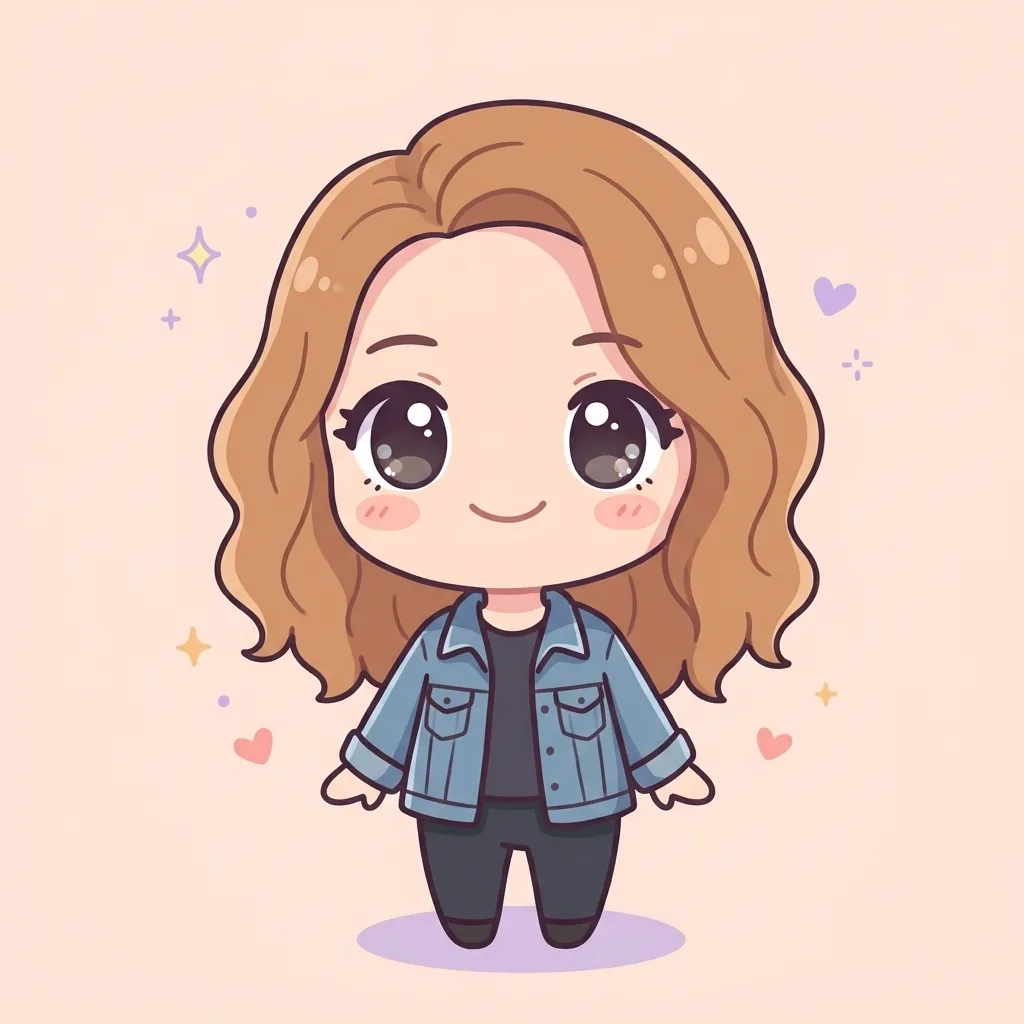
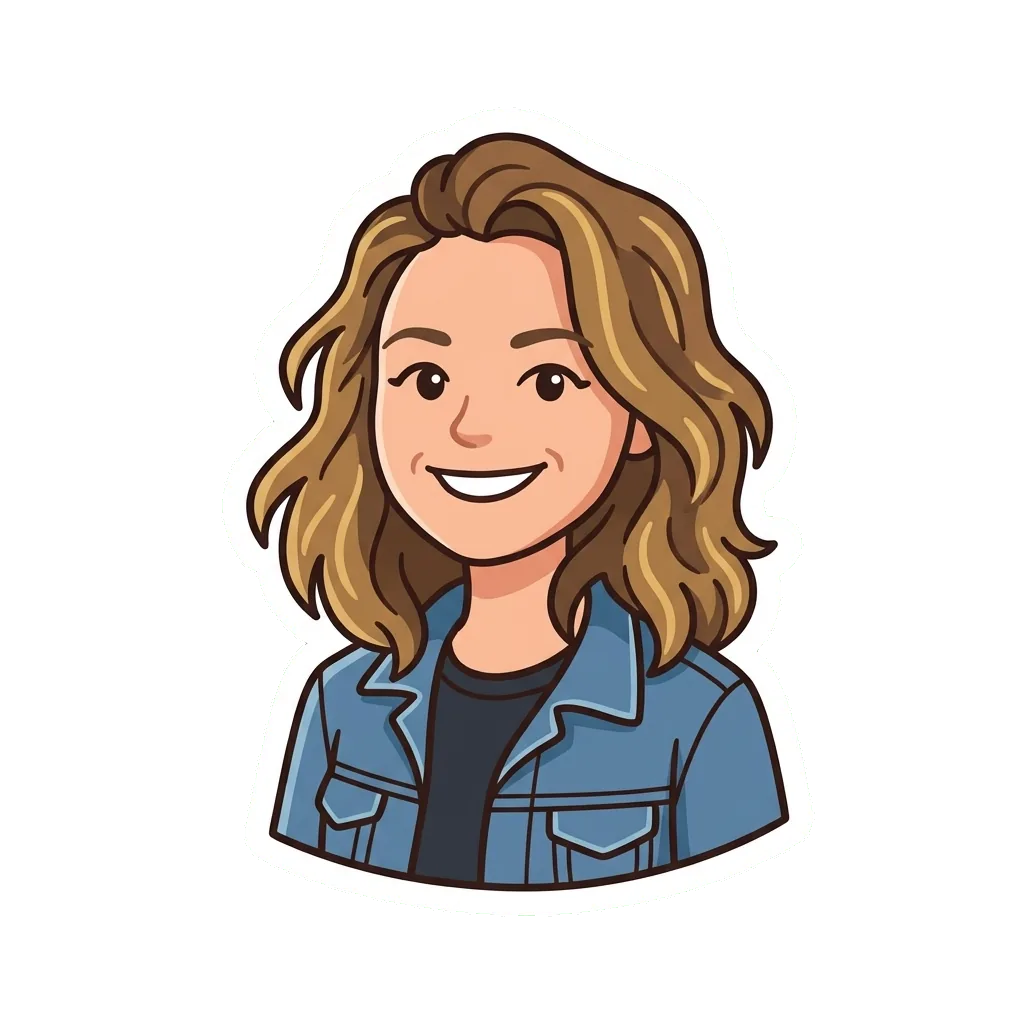
 Chibi MakerBig head, tiny body, your own hair and outfitMake one →
 Photo to Pixel ArtYour photo redrawn as a chunky 8-bit spriteMake one →
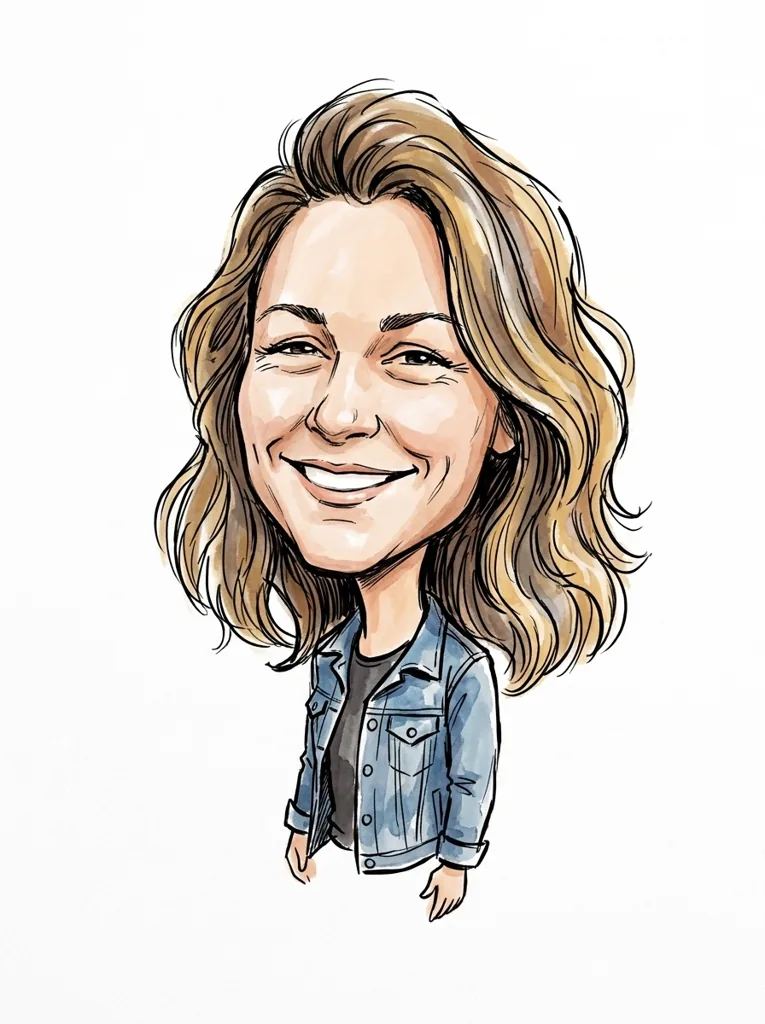
 Caricature MakerA big head, a bigger grin and bold pen linesMake one →
 Photo to Coloring PageYour own photo as black lines, ready for crayonsMake one →
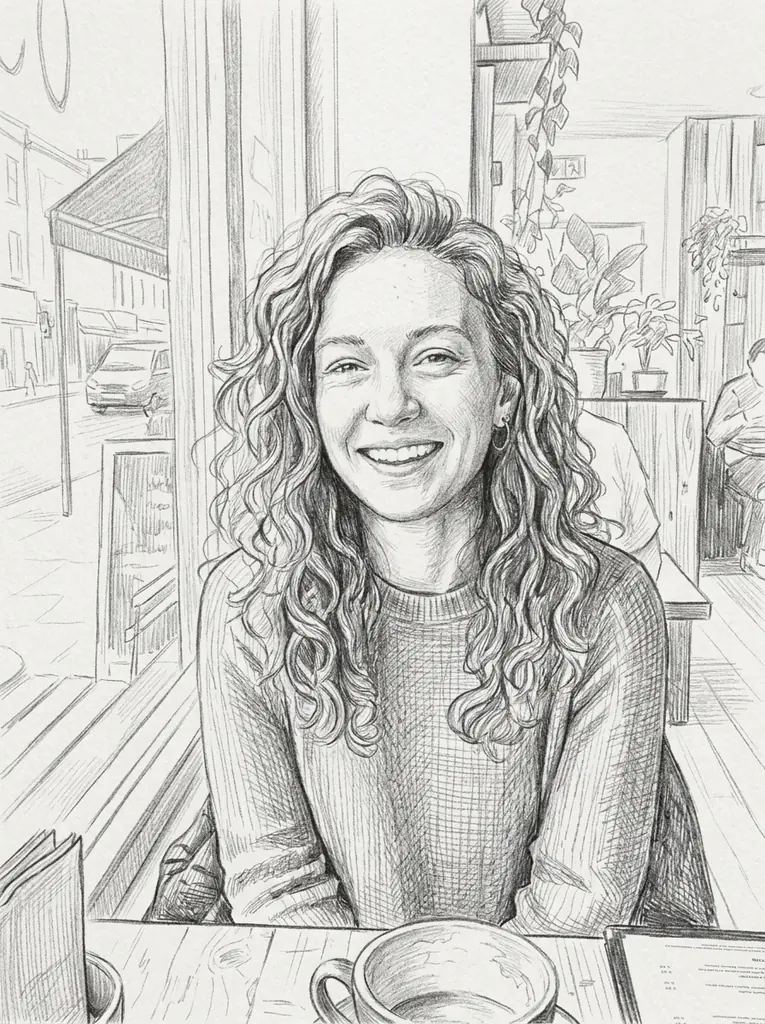 Photo to SketchGraphite lines and cross-hatching on white paperMake one →
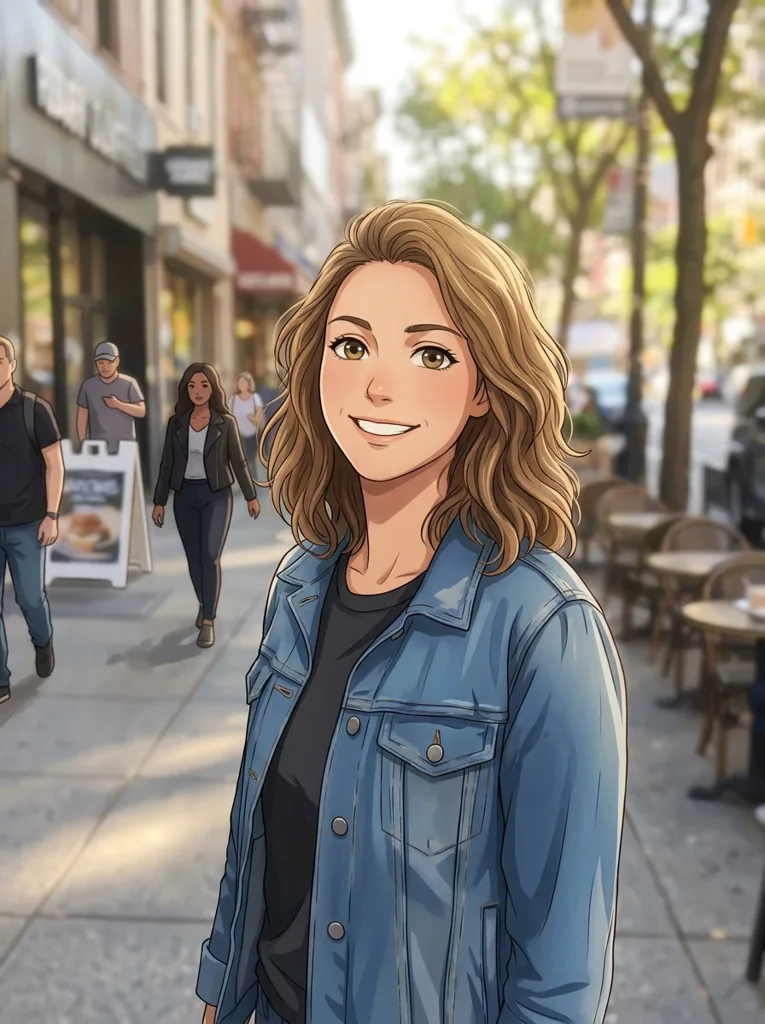
 Anime Generator from PhotoBig bright eyes, cel shading, still clearly youMake one →
 Photo to StickerA cartoon you with a white border and no backgroundMake one →
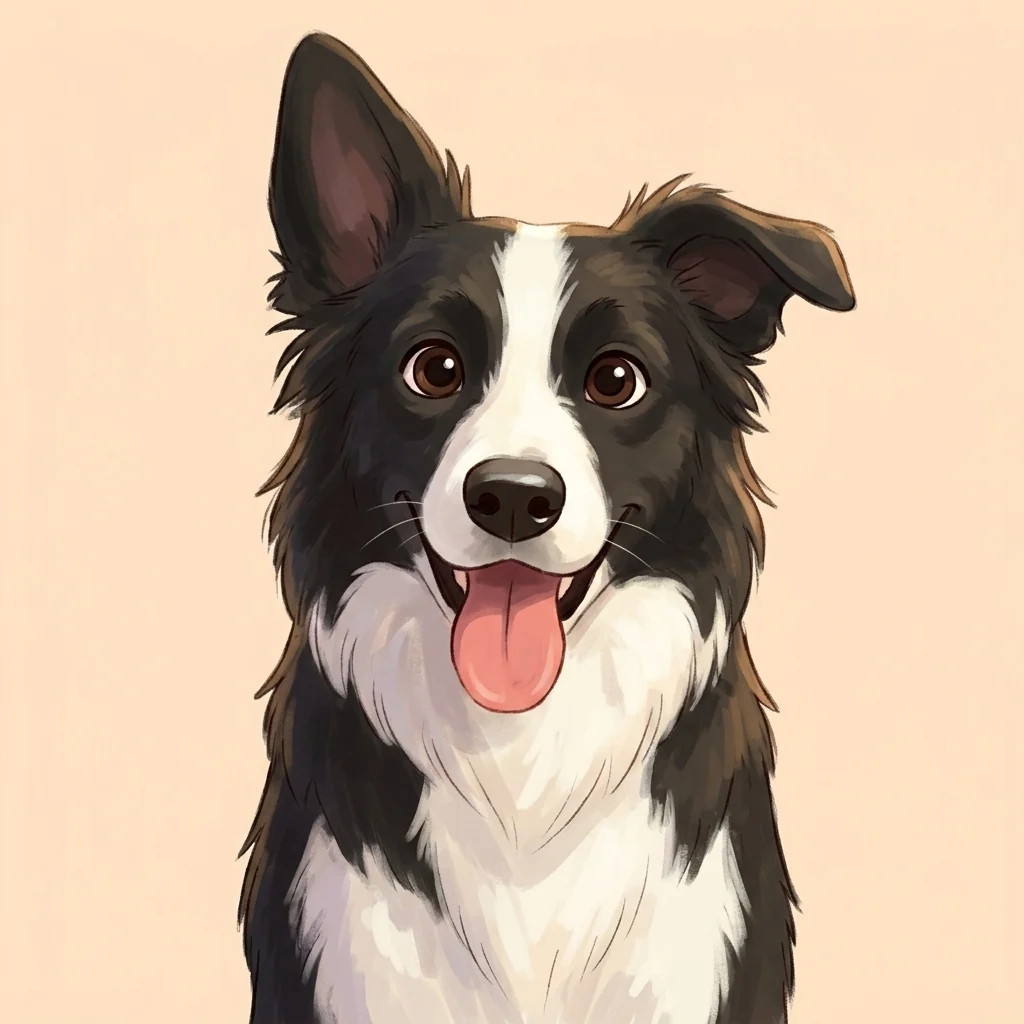 Pet Portrait from PhotoYour dog or cat, painted as a cartoon characterMake one →
Make a cartoon of me
Upload a photo
One JPG or PNG, up to 10 MB. A sharp, front-facing face or a pet looking at the camera gives the closest likeness.
Pick a style and a size
Tap a style; 1K is chosen for you. Nothing to type, nothing to tune. The credits show on the button before you start.
Download
The picture is ready in about a minute and stays in your library for 30 days, ready to download again.
Cartoon drawing from a photo
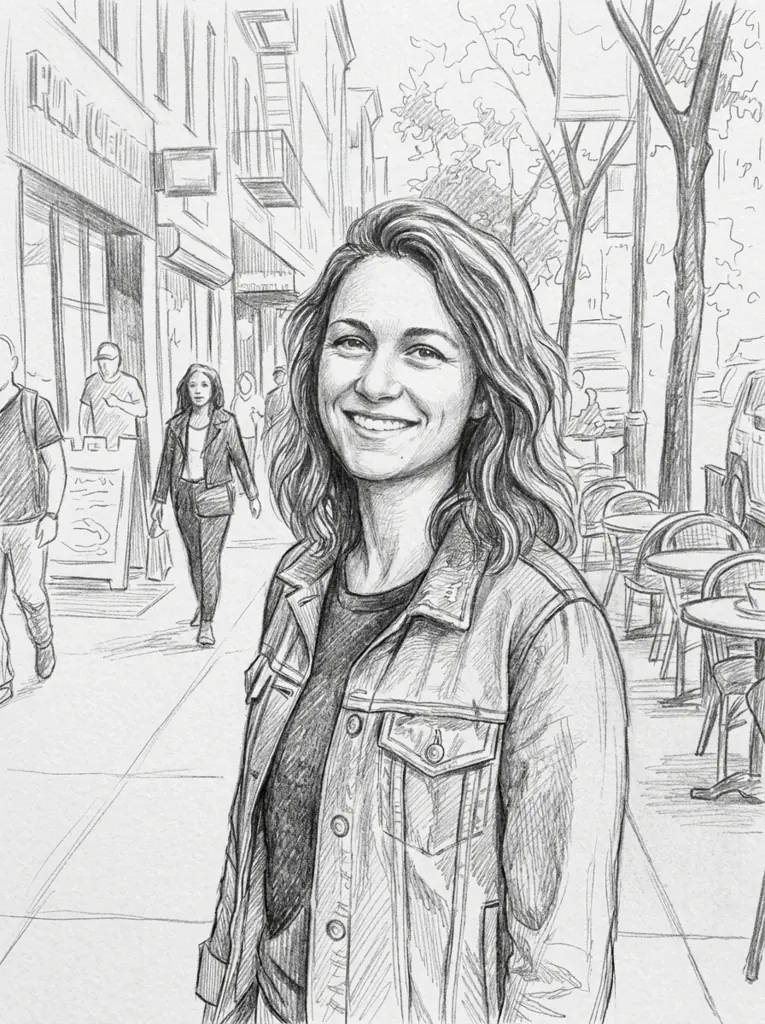
Two test photos, each drawn in the two looks of its page. These are the pictures the frozen styles made on release day, not retouched. Both photos were generated with AI; no real person or pet is shown.
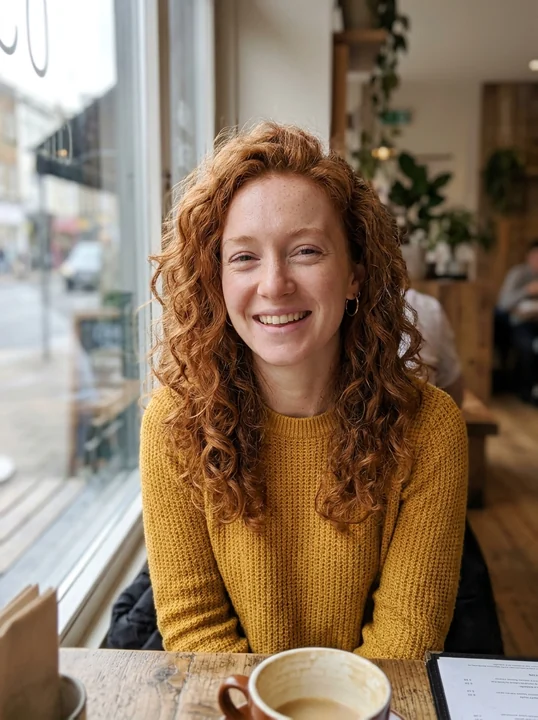
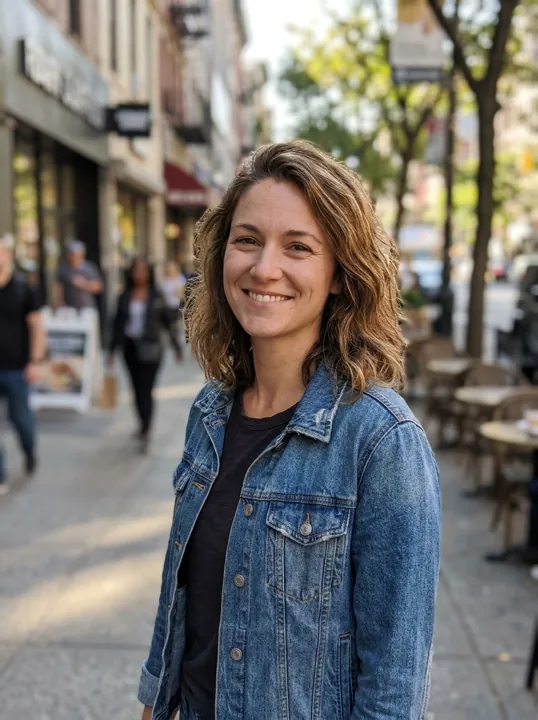
Photo A phone photo by a cafe window. Pencil sketch Shadows built from crossed pencil lines. 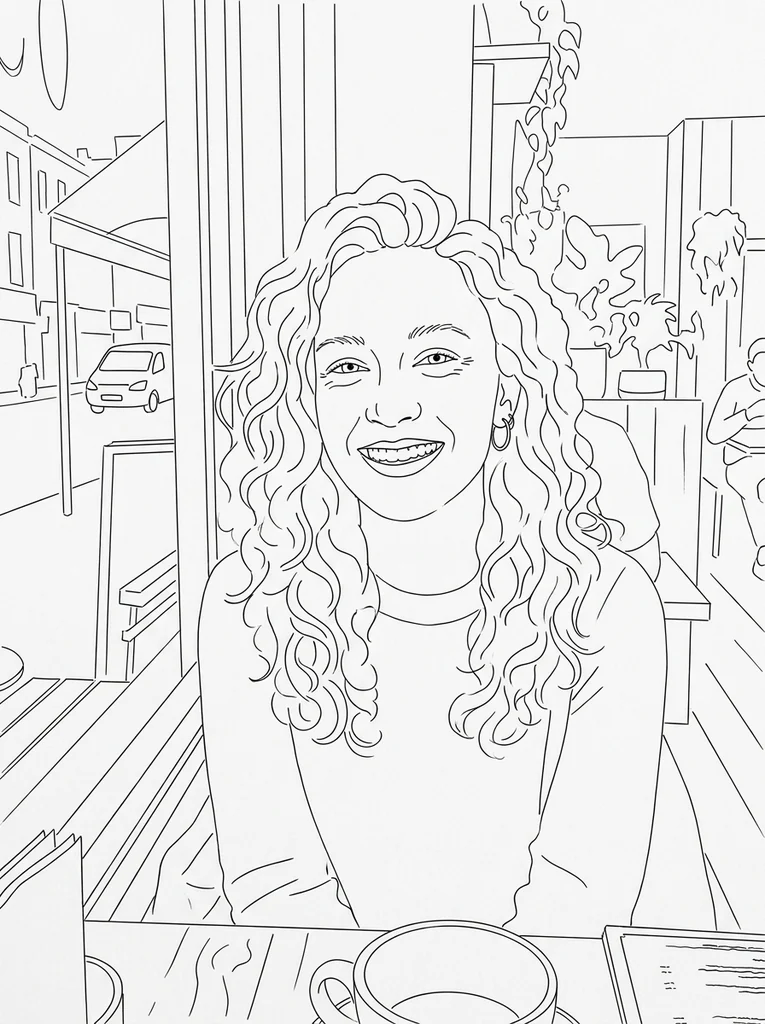
Line drawing Only clean outlines, no gray at all.
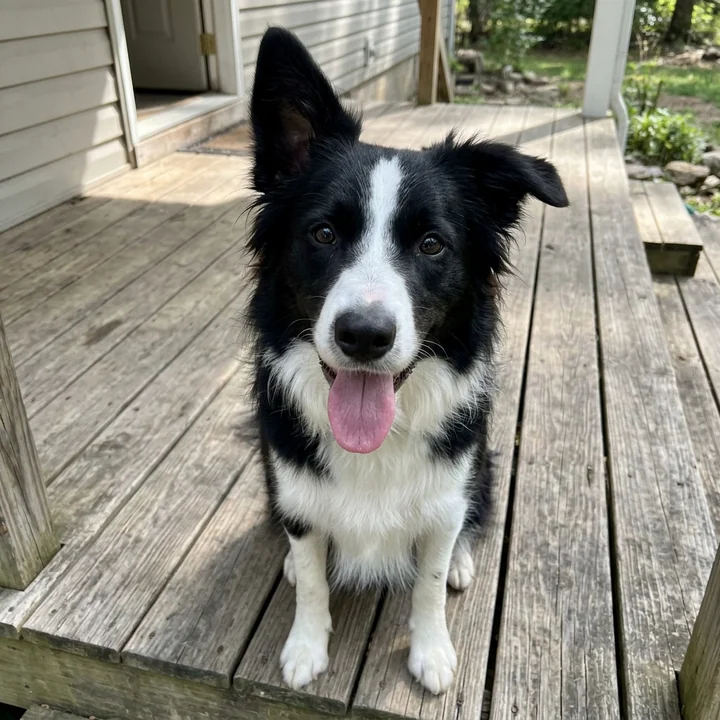
Photo A border collie on a sunny wooden porch. Cartoon An animated-film character, markings kept. 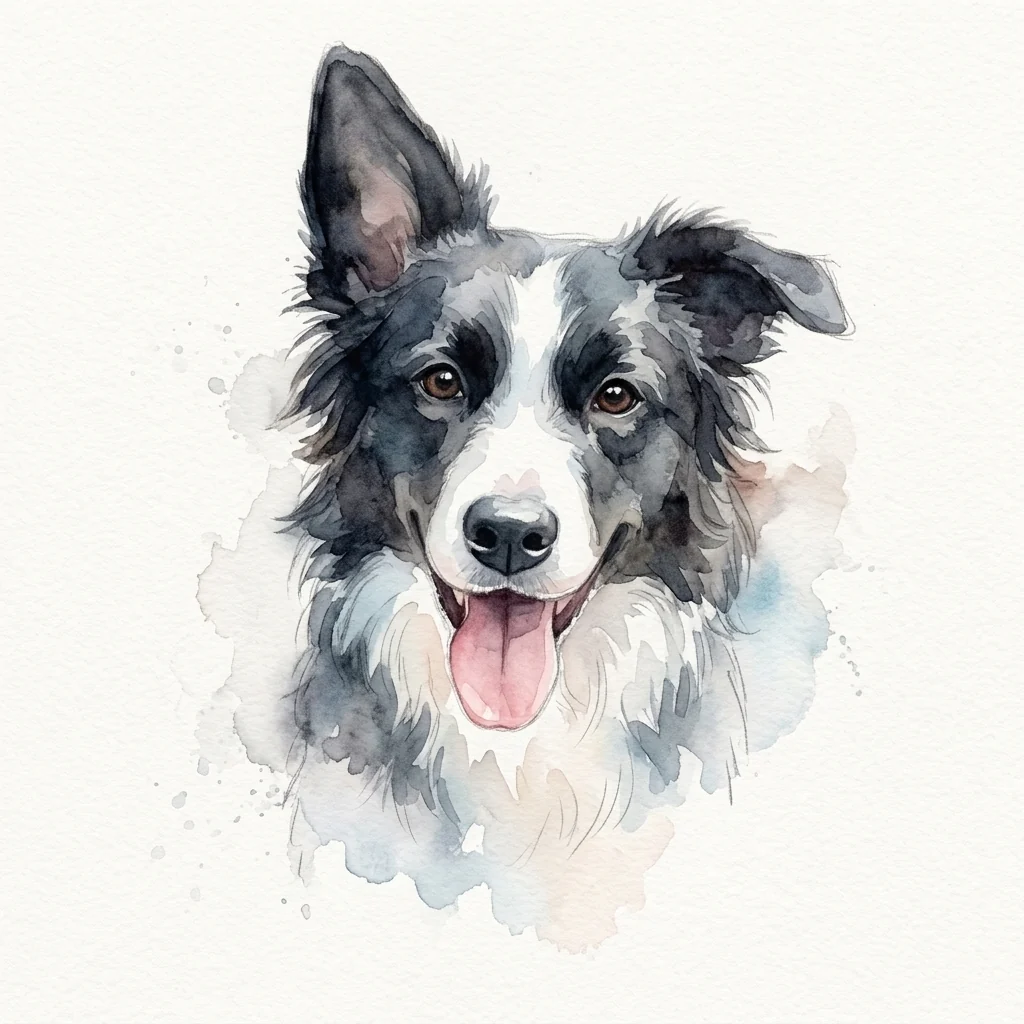
Watercolor Loose washes of paint on white paper.
AI-generated results may change small details of faces, hands or accessories, so two runs of one photo are never pixel-identical.
Cartoon avatar maker
A cartoon avatar lets people recognize you without putting your real photo on every account. Pick a look that suits the place: something playful for a game or a group chat, something calmer for a work profile.
Chibi Maker, Photo to Pixel Art and Photo to Sticker come out square, the shape avatar slots crop to, so nothing important is cut off. The other styles follow the shape of your photo; for those, upload a photo already cropped square if the cartoon is meant for a profile.
- Square from the start
- Chibi Maker, Photo to Pixel Art and Photo to Sticker: a 1K square picture is 1024 × 1024 pixels, sharper than any profile slot shows it.
- One for each account
- Every cartoon is a separate picture with its own credits, so a gaming chibi and a work sketch can sit side by side in your library.
- Yours to download
- Download it as often as you like for 30 days; after that the file is deleted, so save the ones you use.
Cartoonize or cartoonify any picture
Cartoonize and cartoonify mean the same thing here: the photo is redrawn from scratch in a cartoon style, not traced or filtered. These kinds of photos work well.
- Selfies and portraits
- One clear face, lit from the front, gives the strongest likeness. Glasses, beards and hairstyles are kept.
- Couples and groups
- Everyone in the frame stays in the picture. Faces that are small in a wide shot carry less detail.
- Dogs, cats and other pets
- Fur color, markings and ear shape are kept. A pet looking at the camera works best.
- Photos of children
- Welcome when a parent or legal guardian uploads them, for example a family coloring page.
What is CartoonPix?
CartoonPix is a photo to cartoon maker with built-in styles. Each style is a fixed, tested recipe, so there is no prompt to write and no slider to move: you add one photo, choose a style and a size, and get one finished picture.
It is not a drawing app, a character builder or a text-to-image generator. Every cartoon starts from a photo, and only from a photo you are entitled to use.
Every style was tried on the same set of AI-generated test photos before it went live, and the examples on each page come from those runs. You pay with credits from one-time packs from $9.99 or a plan from $9.99 a month ($99.00 a year); there are no free credits and no watermark.
Your photos stay yours
- Private by default
- Your photos and cartoons stay in your account. Nothing is published.
- Photos checked first
- Every photo passes a content review before a credit is used.
- Deleted on a schedule
- Unpaid drafts after 24 hours; cartoons and their photos after 30 days.
- Failed? Credits back
- A confirmed technical failure returns that picture’s credits once.
Packs or a plan, one balance for every style
1 credit = 1 cartoon at 1K · packs from $9.99, $0.33–$0.50 each at 1K · plans from $9.99 a month · pack credits never expire
Most popularPlus$24.9960 credits · 60 cartoons at 1K · $0.42 eachPhoto to cartoon questions
What is CartoonPix?
CartoonPix is a photo to cartoon maker: upload one photo, pick one of 8 cartoon tools (12 looks in all) and download a cartoon of you, your family or your pet about a minute later. No prompts to write; credit packs start at $9.99.
Can I turn a photo into a cartoon online for free?
Not here: CartoonPix gives no free credits and has no trial. The examples on every style page show what you will get, and the smallest pack, $9.99, makes 20 cartoons at 1K.
Is CartoonPix an AI cartoon generator?
Yes. An AI image model redraws your photo following the recipe of the style you pick. Unlike a general AI generator, you never write a prompt, and the result always starts from your photo.
How do I convert a photo to a cartoon?
Open the style you want, upload one photo, keep 1K or choose a larger size, and press the button. Sign in and buy credits when asked; the cartoon appears in your library about a minute later.
Can I turn a selfie into a cartoon?
Yes, and a selfie is often the best photo to start from: one face, close up, looking at the lens. Hold the phone at eye level, in daylight, so the face is not distorted or in shadow.
Is this a cartoon filter for photos?
No. A filter changes the colors and edges of the pixels already in your photo. Here the whole picture is drawn again in the chosen style, which is why a caricature can enlarge a head and a chibi can shrink a body.
What size is the cartoon, and what file do I get?
Sizes cost 1K 1 credit, 2K 2 credits and 4K 3 credits; Photo to Sticker stops at 2K, because its cut-out background needs a PNG. 1K and 2K come as PNG files; 4K comes as a large JPEG, the format the image model returns at that size.
How long does one cartoon take?
Usually about a minute after you press the button. You can leave the page; the finished picture waits in your library, and a failed one returns its credits by itself.
What if my cartoon does not look like me?
Try a sharper, front-facing photo with even light; most misses come from small or shadowed faces. A confirmed technical failure, or a picture refused by the output review, returns its credits once. A result you simply dislike uses credits like any other.
Who can see my photo and my cartoon?
Only you, in your signed-in library. Each photo and each result is checked by a content moderation provider before use, nothing is published, and both files are deleted after 30 days.